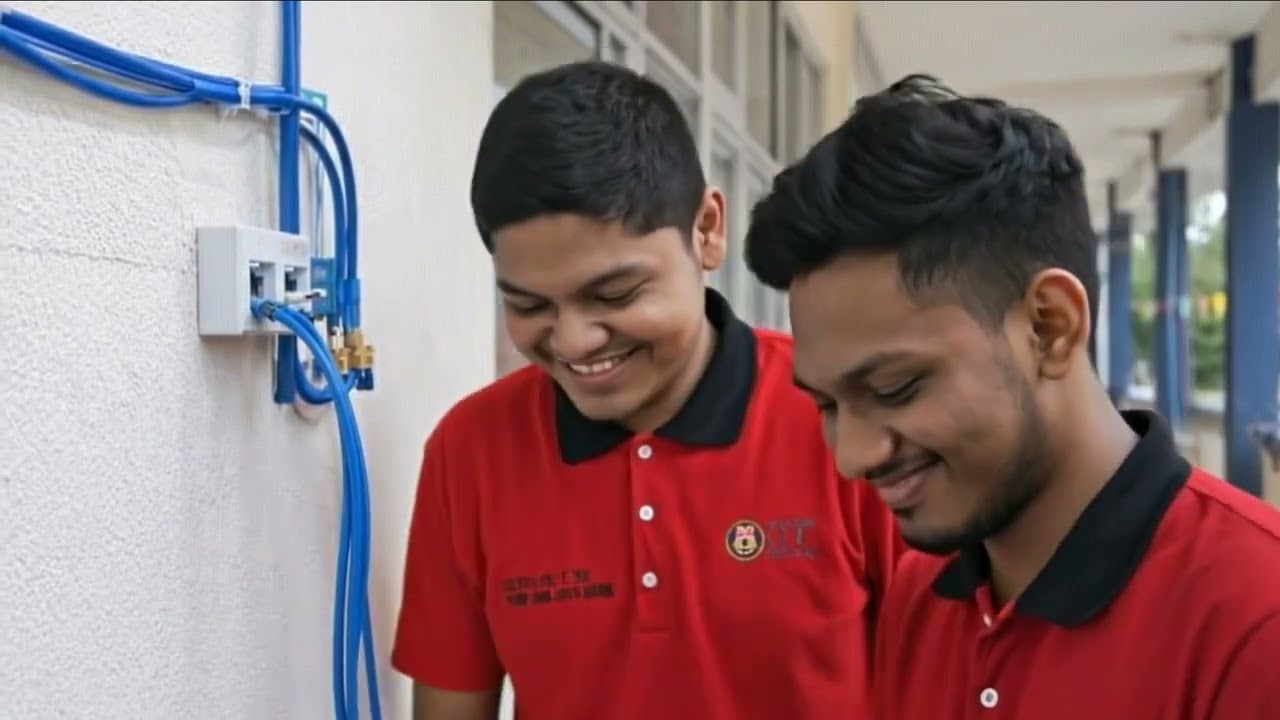
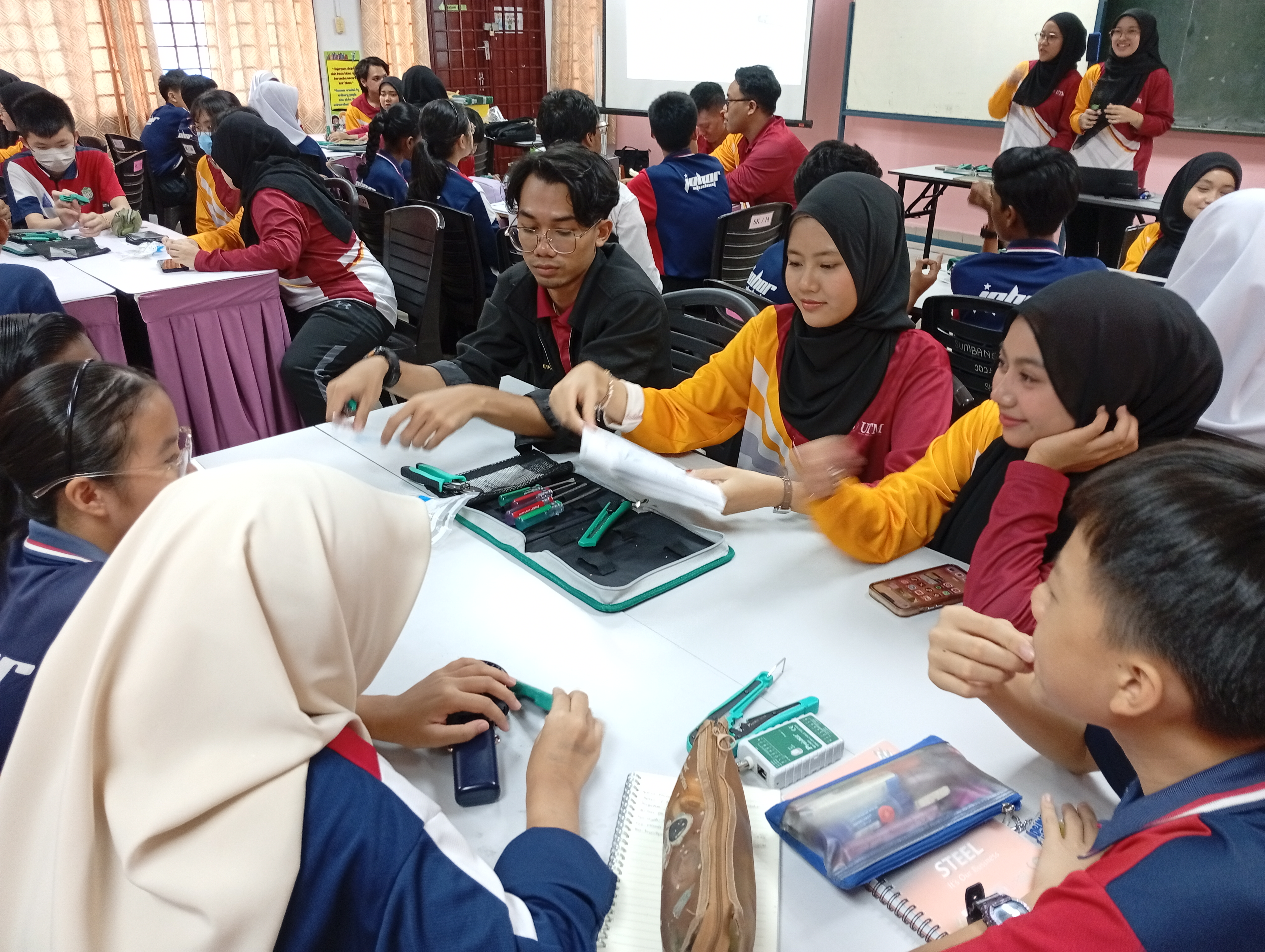
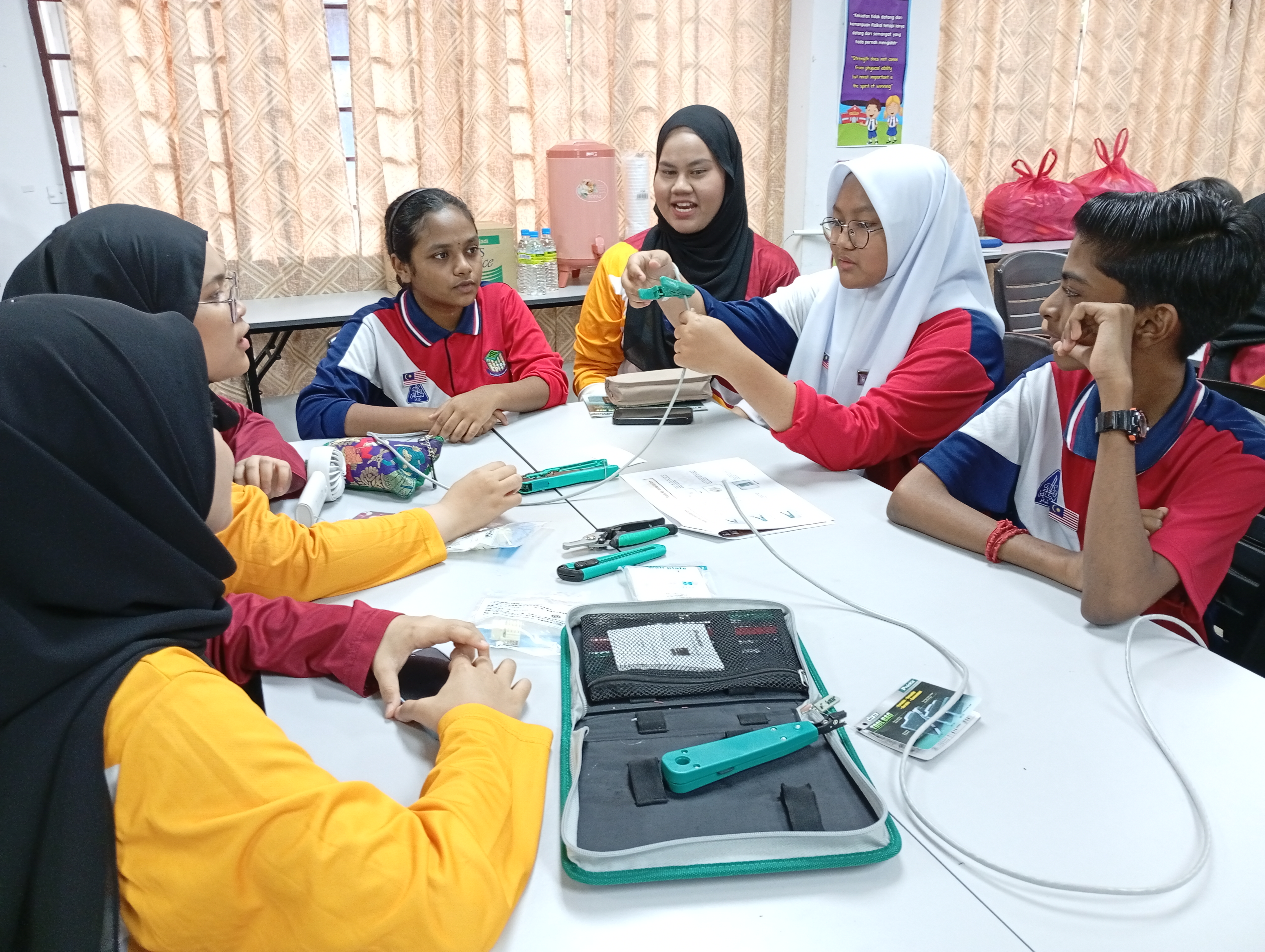
Through the service-learning activities, the school students gained practical, hands-on learning experiences in computer networking. They were introduced to networking tools and components, developed an understanding of the functions of RJ45 cables, and learned how to assemble and test network cables under the guidance of university student facilitators.
By the end of the activities, the school student community was able to:
Overall, the service-learning experience enabled the community to progress from simply learning about technology to experiencing its practical application first-hand. The hands-on knowledge transfer contributed to the development of technical knowledge, practical skills, and digital confidence that could be applied to both learning and everyday situations.
From observing → understanding → trying → doing independently.


The service-learning experience is structured into five interconnected phases: Investigation, Preparation, Action, Reflection, and Demonstration. Each phase guides students from identifying community needs to applying knowledge, reflecting on their experiences, and sharing the impact of their learning.
Students begin by exploring and identifying the needs, challenges, and context of the community. They gather information, discuss potential issues, and use the AI Chatbot to ask questions, explore ideas, and support their understanding of computer networking problems.
Key activities: Community needs analysis, information gathering, problem identification, group discussion, and AI-assisted exploration.
Learning focus: Critical thinking, information and data literacy, communication, collaboration, and problem-solving.
Students transform their findings into an actionable service-learning plan. They practise technical skills such as RJ45 cable installation, keystone jack installation, wireless configuration, and network testing. Students also prepare teaching materials for the community using digital and AI tools and finalise logistics, responsibilities, transportation, food, equipment, and souvenirs.
Key activities: Technical practice, project planning, development of digital learning materials, task allocation, and final preparation.
Learning focus: Digital content creation, technical competency, teamwork, adaptability, creativity, and leadership.
Students apply what they have learned in a real community environment. Acting as facilitators, they transfer their knowledge to school students through demonstrations and hands-on activities, including RJ45 cable installation and other computer networking activities. Rather than simply completing a university assignment, students now use their knowledge to address authentic community learning needs.
Key activities: Community engagement, knowledge transfer, demonstrations, hands-on activities, mentoring, and technical problem-solving.
Learning focus: Application of digital competency, effective communication, collaboration, leadership, responsibility, and real-world problem-solving.
After the community activities, students critically reflect on what happened, what they learned, the challenges they encountered, how they responded, and how the experience influenced their development. The AI Chatbot can support structured reflection by prompting students to examine their experiences and connect them with their digital competency and soft skills development.
Key activities: AI-assisted reflection, STARR reflection, discussion, evaluation of challenges, and identification of personal and team learning.
Learning focus: Self-awareness, critical reflection, problem-solving, adaptability, responsibility, and continuous improvement.
In the final phase, students demonstrate and communicate what they have learned and how their work has contributed to the community. Evidence of learning may be presented through reflection videos, reports, presentations, digital portfolios, e-magazines, or other digital artefacts. This phase allows students to transform their experience into visible evidence of learning, achievement, and community impact.
Key activities: Presentation, reflection video, final report, digital portfolio, e-magazine, and sharing of project outcomes.
Learning focus: Communication, digital creativity, knowledge synthesis, leadership, and evidence-based demonstration of learning.
Investigation
What does the community need?
↓
Preparation
What do we need to learn, design, and prepare?
↓
Action
How can we apply our knowledge to serve the community?
↓
Reflection
What did we learn from the experience?
↓
Demonstration
How can we demonstrate our learning and community impact?
Throughout these phases, AI supports learning and reflection, gamification sustains engagement, digital competency enables students to apply technology effectively, and soft skills enable them to collaborate, communicate, lead, and serve responsibly.
Investigate → Prepare → Act → Reflect → Demonstrate → Create Community Impact
Coming Soon.
Website under construction.

ICT for Community refers to the use of Information and Communication Technology (ICT) as a means of community empowerment through the active engagement of students in addressing real community needs via digital technology applications. In the context of higher education, this approach is implemented through community-based learning or service-learning activities, whereby students apply ICT knowledge and skills—such as digital content development, information systems, and online platforms—to support authentic community problem-solving. Through this engagement, ICT functions not merely as a technological tool but as a facilitator of meaningful learning that enhances students’ digital competence, generic skills, and civic awareness, while simultaneously contributing to the reduction of the digital divide and strengthening sustainable partnerships between educational institutions and the community.














ok
p
ok...refer chatgpt
asas
ok